> ## Documentation Index
> Fetch the complete documentation index at: https://manuals.cobo.com/llms.txt
> Use this file to discover all available pages before exploring further.
# Manage Delegate Keys
> Learn how to manage Delegate Keys for Smart Contract Wallets, enhancing transaction security and control.
Due to the Bybit security incident, Safe Wallet has suspended third-party delegate call services. As a result, Cobo's Smart Contract Wallets and related services (including on-chain transaction policies) are temporarily unavailable. However, existing wallets and on-chain transaction policies can still be used. Recovery timeline will be announced later.
1. Log into [Cobo Portal](https://portal.cobo.com/login).
2. Click **Wallets** in the left sidebar, then select **Smart Contract Wallets**. Click the status indicator next to the Safe\{Wallet} you want to use.
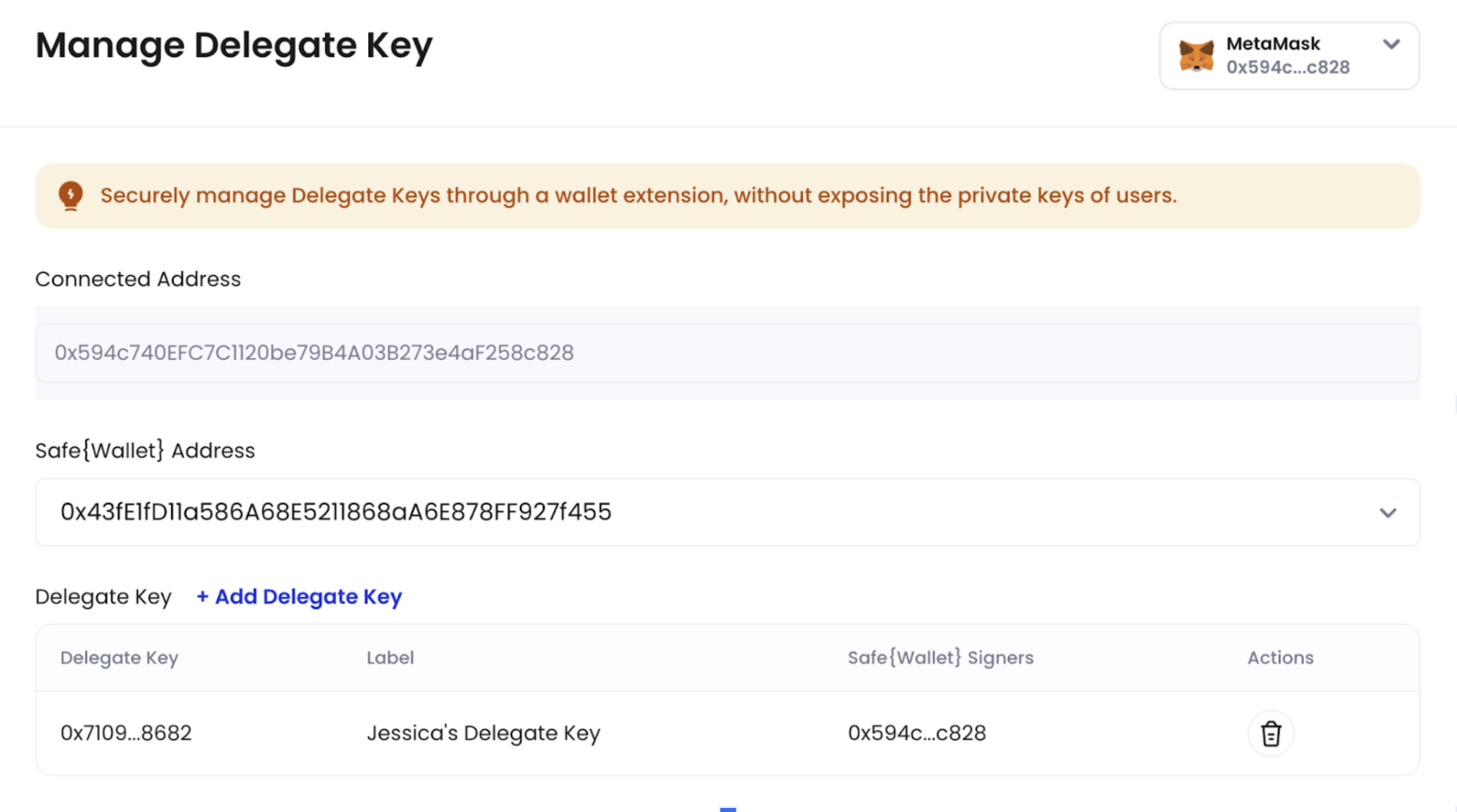
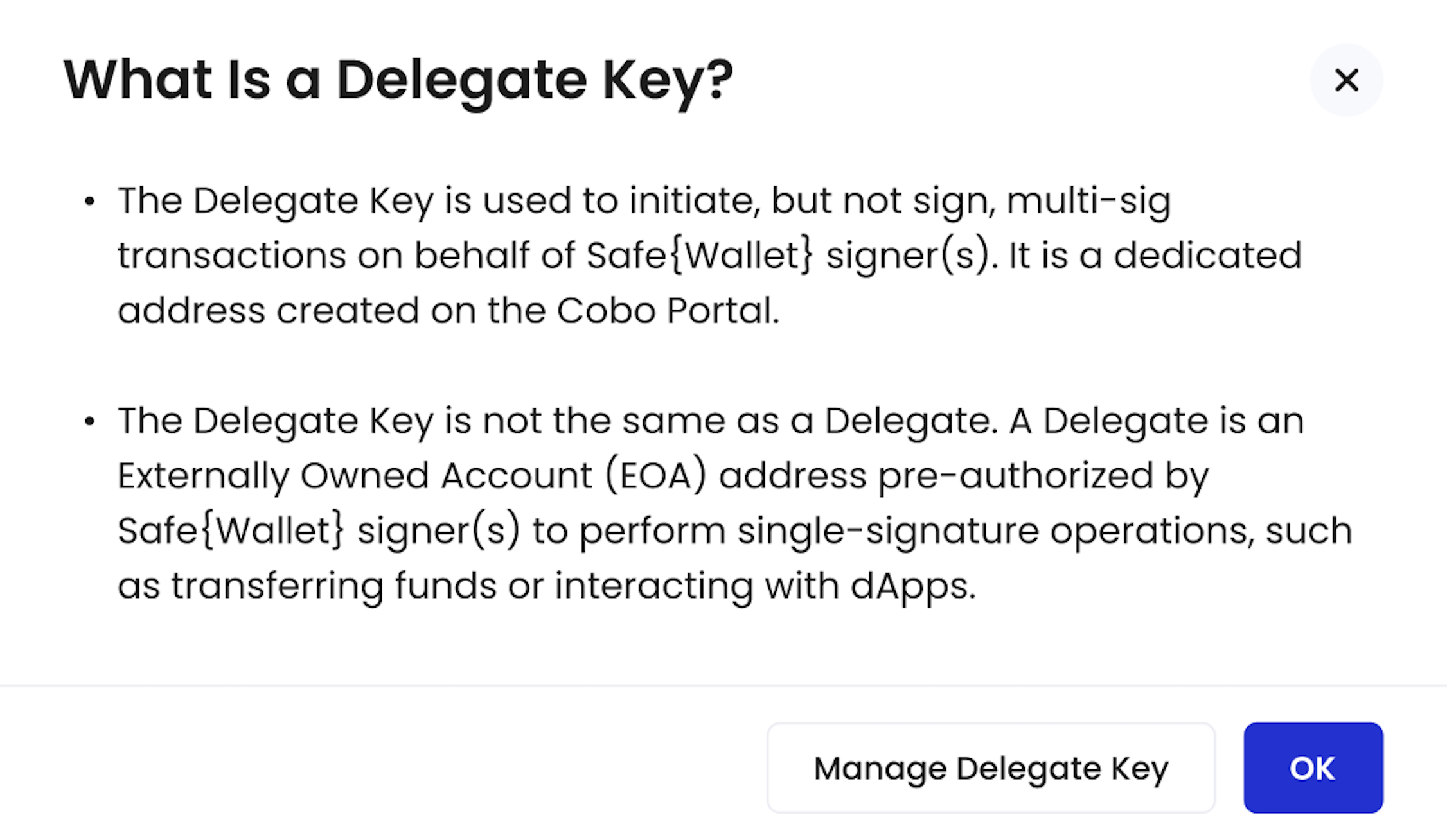
3. In the pop-up window, Click **Manage Delegate Key**.
 4. To add more keys, click **+ Add Delegate Key**. To remove any Delegate Key that is no longer in use, click
  .
.