> ## Documentation Index
> Fetch the complete documentation index at: https://manuals.cobo.com/llms.txt
> Use this file to discover all available pages before exploring further.
# Set up token transfer policy
> Learn the steps to set up token transfer policies in Cobo Portal, ensuring efficient asset management.
Transaction policies are an important security measure for your organization. It is recommended to strictly configure these policies, especially for large withdrawal scenarios, to avoid high-risk situations such as having no transaction policies, having transactions that are not covered by a transaction policy, automatically approving all transactions, or allowing the same role to both withdraw and approve transactions.
## Create a transfer policy
1. Log into [Cobo Portal](https://portal.cobo.com/login).
2. Click **Transaction Policies** in the left sidebar.
3. Click **Create Policy** > **Transfer**.
4. Enter a **Policy Name**, then click **Next**. The name should not exceed 30 characters.
5. Select all the wallets under **Applicable Wallets** that are applicable to the policy you are about to create, then click **Next**. The following wallet types support token transfer policies:
* Custodial Wallets
* Asset Wallets
* Web3 Wallets
* MPC Wallets
* Organization-Controlled Wallets
* User-Controlled Wallets
* Smart Contract Wallets
* Exchange Wallets
6. Under **If**, click **+ Add Condition** to select a condition template. You can add one or more conditions to each policy. If multiple conditions are applied, the policy will be triggered only if the transaction satisfies all conditions. To learn more about conditions, see [Select condition template](/en/portal/risk-controls/off-chain-tx-set-transfer#select-condition-template).
* You have the option to skip setting any conditions and proceed directly to the next step. This means that any token transfers associated with the applicable wallets will trigger this policy.
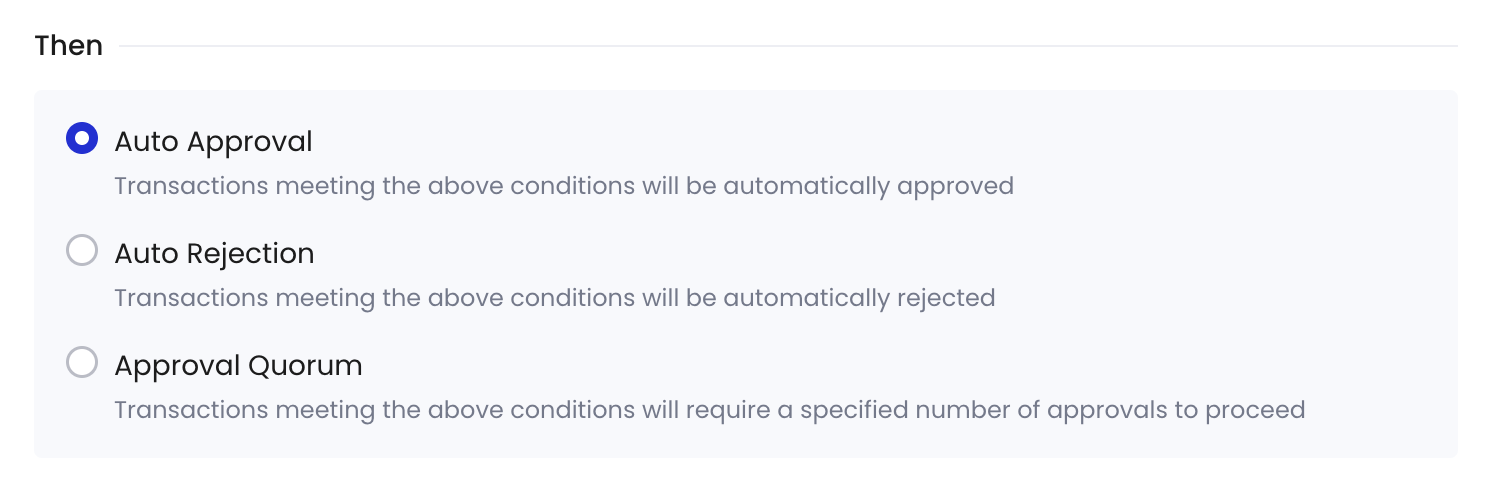
7. Under **Then**, Select the action to be taken if the policy is triggered (i.e., **Auto Approval**, **Auto Rejection**, and **Approval Quorum**), then click **Next**. To learn more about approval actions, see [Set approval action](/en/portal/risk-controls/off-chain-tx-set-transfer#set-approval-action).
8. Review the order of your policies. Transactions will be matched with policies in the list based on their priority order.
* Once a higher-priority policy is triggered, subsequent policies will no longer be triggered.
* By default, the newly created policy will be placed at the top of the policy list and highlighted. You can change the order by dragging and dropping.
9. Click **Submit** and, if required, complete the 2FA verification.
## Select condition template
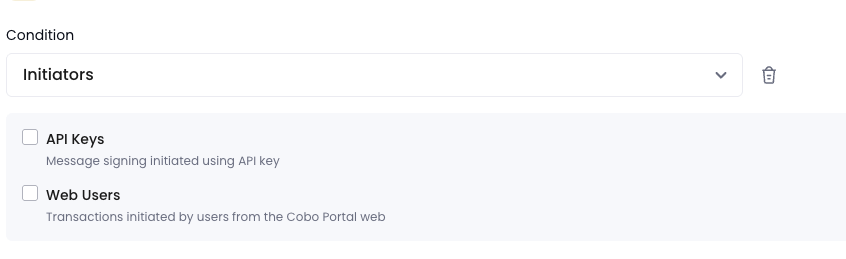
**Initiators**: The policy will be triggered only if the transaction is initiated by selected entities.
* **API Keys**: You can specify whether any team members, or only specific members, are allowed to initiate transactions via API.
* **Web Users**: You can specify whether any team members, or only specific members, are allowed to initiate transactions via the web console.
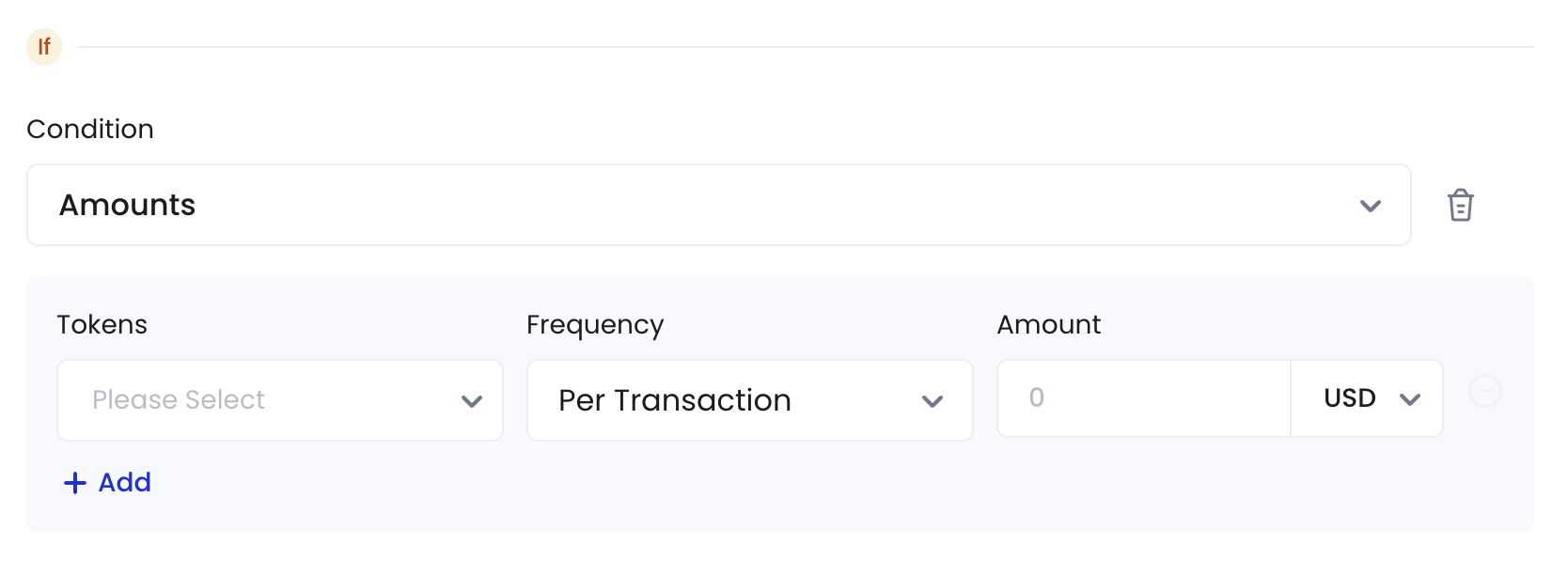
 **Amounts**: You can set the maximum spending amount for a specified time-frame or per transaction.
* **Token Types**: You can specify the types of tokens available for transactions.
* **Frequency**: You can define either the maximum transaction amount applied per transaction or within a specified time window, denominated in hours.
* **Amounts**: You can set the maximum transaction amount.
**Amounts**: You can set the maximum spending amount for a specified time-frame or per transaction.
* **Token Types**: You can specify the types of tokens available for transactions.
* **Frequency**: You can define either the maximum transaction amount applied per transaction or within a specified time window, denominated in hours.
* **Amounts**: You can set the maximum transaction amount.
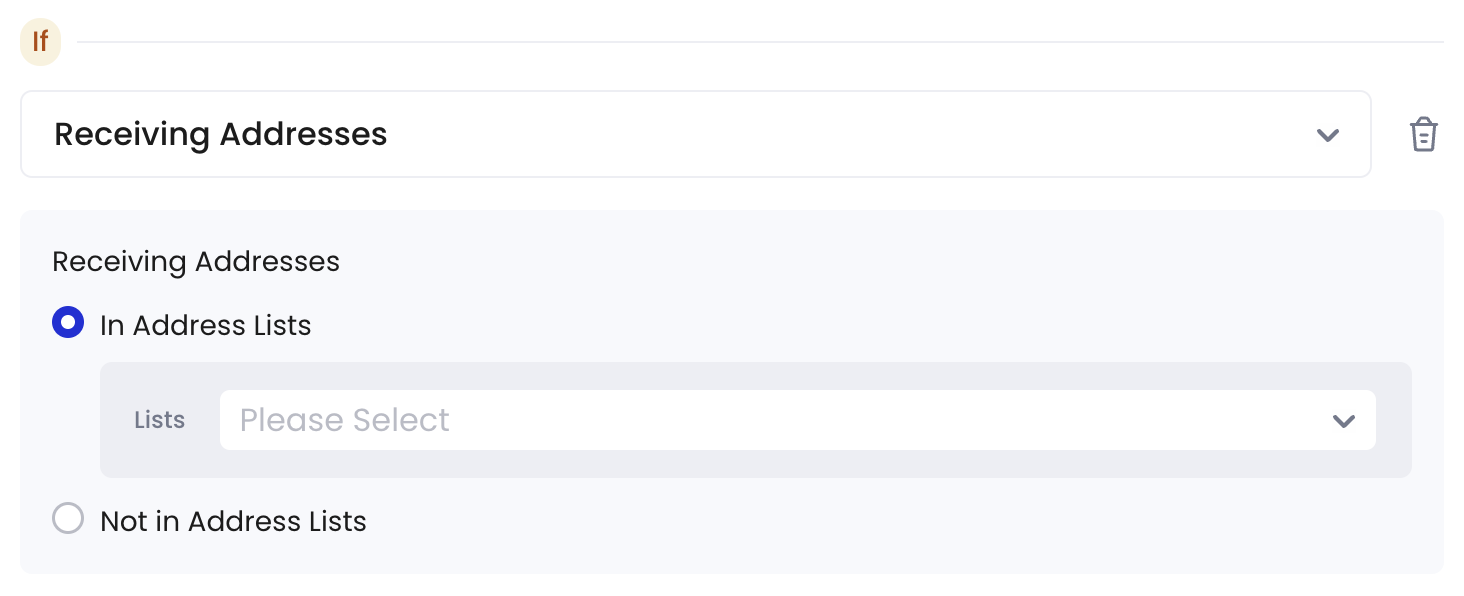
 **Receiving Addresses**: You can limit withdrawal transactions to specific receiving addresses.
* **In Address Lists**: The receiving addresses must be included in the selected address lists.
* **Not in Address Lists**: The receiving addresses should not be included in the selected address lists.
**Receiving Addresses**: You can limit withdrawal transactions to specific receiving addresses.
* **In Address Lists**: The receiving addresses must be included in the selected address lists.
* **Not in Address Lists**: The receiving addresses should not be included in the selected address lists.
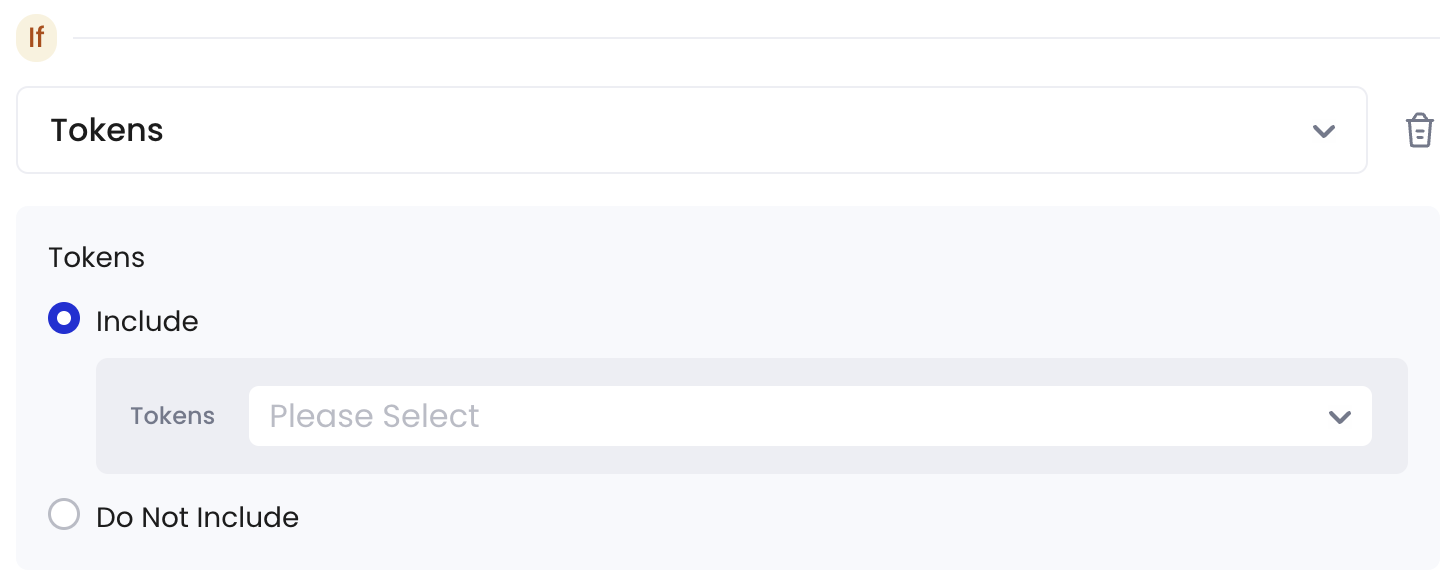
 **Token Types**: You can limit which tokens can be sent in withdrawal transactions.
* **Include**: The tokens to be transferred must be included in the selected token lists.
* **Do not Include**: The tokens to be transferred should not be included in the selected token lists.
**Token Types**: You can limit which tokens can be sent in withdrawal transactions.
* **Include**: The tokens to be transferred must be included in the selected token lists.
* **Do not Include**: The tokens to be transferred should not be included in the selected token lists.
 ## Set approval action
Currently, Cobo Portal supports four types of approval actions:
* **Auto Approval**: Transactions meeting the above conditions will be automatically approved.
* **Auto Rejection**: Transactions meeting the above conditions will be automatically rejected.
* **Approval Quorum**: Transactions meeting the above conditions will require a specified number of approvals to proceed. Please click **+ Select Approvers** to add one or more team members as approvers. You can select by **User Roles** or **Users**. Then, set the approval quorum.
## Set approval action
Currently, Cobo Portal supports four types of approval actions:
* **Auto Approval**: Transactions meeting the above conditions will be automatically approved.
* **Auto Rejection**: Transactions meeting the above conditions will be automatically rejected.
* **Approval Quorum**: Transactions meeting the above conditions will require a specified number of approvals to proceed. Please click **+ Select Approvers** to add one or more team members as approvers. You can select by **User Roles** or **Users**. Then, set the approval quorum.