> ## Documentation Index
> Fetch the complete documentation index at: https://manuals.cobo.com/llms.txt
> Use this file to discover all available pages before exploring further.
# Introduction to User-Controlled Wallets
> Discover User-Controlled Wallets, a secure way for end users to manage their digital assets with full control.
## What are User-Controlled Wallets
User-Controlled Wallets are a subtype of [MPC Wallets](/en/portal/mpc-wallets/introduction). In a User-Controlled Wallet, end users of your [organization](/en/portal/organization/introduction) are given full control of their digital assets. In this setup, each end user of your organization holds their own unique private key share to their MPC Wallets.
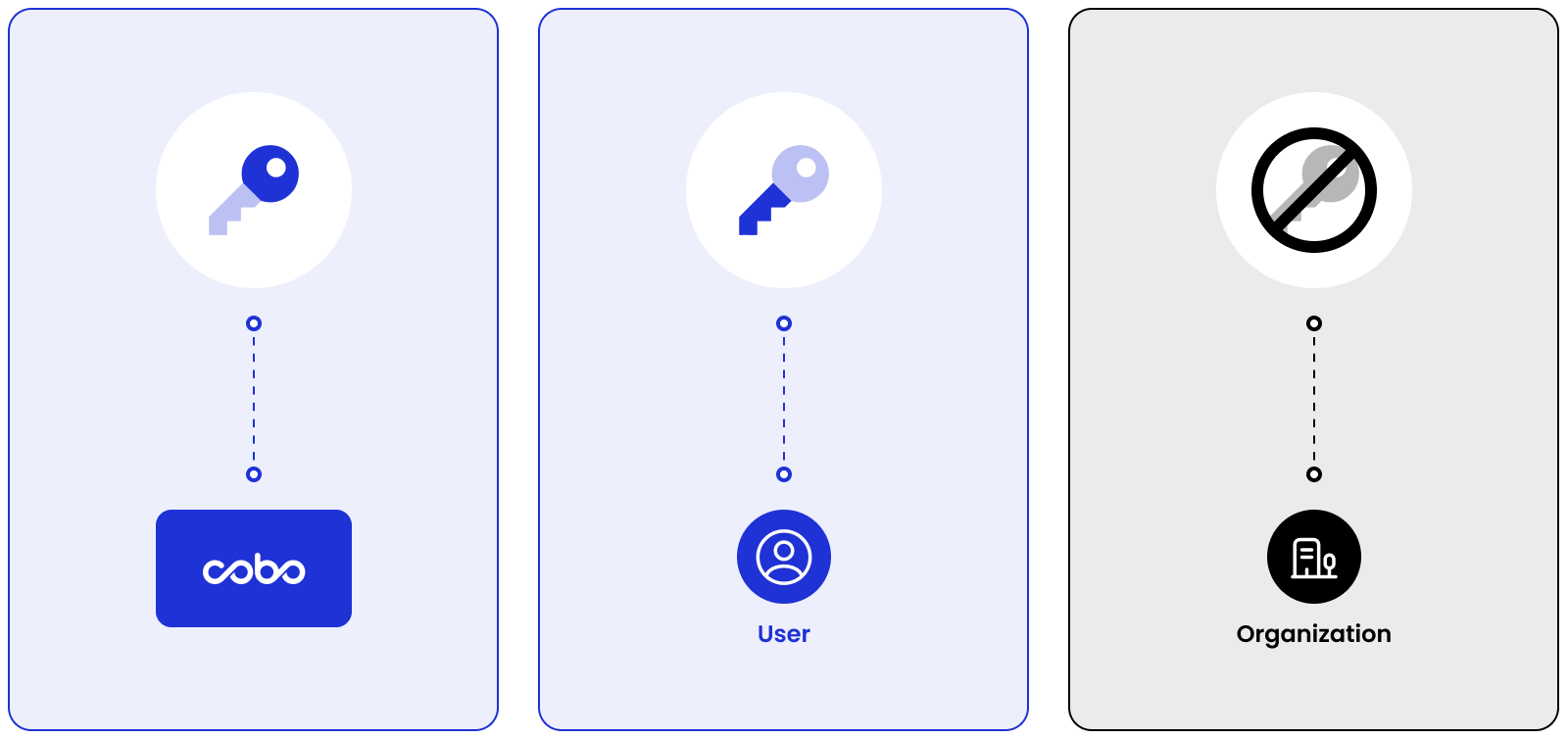
With a flexible [Threshold Signature Scheme (TSS)](/en/portal/mpc-wallets/introduction#threshold-signature-scheme-tss) (”m out of n” key shares), User-Controlled Wallets allow your organization to customize how transactions are authorized. For example, under a 3-3 signature scheme, your organization and your end user each hold a key share, while the third key share is stored within Cobo's multi-cloud infrastructure, and all three are required to independently authorize each transaction. Alternatively, a 2-3 signature scheme can be implemented, where your organization’s key share is held offline and utilized only in specific circumstances, such as disputes or critical events.
To integrate non-custodial MPC Wallets into your applications, a 2-2 signature can be implemented, where your end user holds a key share and the other is stored within Cobo's multi-cloud infrastructure, while your organization holds none.
### 3-3 signature scheme
 ### 2-3 signature scheme
 ### 2-2 signature scheme
 ## Object Model
### Project
A project is a collection of vaults.
### Vault
A vault is a collection of User-Controlled Wallets sharing the same root extended private key.
### Root Extended Private Key
Each vault is associated with a unique root extended private key. This master private key is used within the MPC framework to generate a series of key shares. Each set of key shares is referred to as a [private key](/en/portal/mpc-wallets/ocw/holder-group-overview).
You can set up multiple projects, vaults, and wallets to meet the specific requirements of your business.
## Object Model
### Project
A project is a collection of vaults.
### Vault
A vault is a collection of User-Controlled Wallets sharing the same root extended private key.
### Root Extended Private Key
Each vault is associated with a unique root extended private key. This master private key is used within the MPC framework to generate a series of key shares. Each set of key shares is referred to as a [private key](/en/portal/mpc-wallets/ocw/holder-group-overview).
You can set up multiple projects, vaults, and wallets to meet the specific requirements of your business.