> ## Documentation Index
> Fetch the complete documentation index at: https://manuals.cobo.com/llms.txt
> Use this file to discover all available pages before exploring further.
# Set up SuperLoop
> Follow the steps to set up the SuperLoop app, including installation and linking your exchange accounts.
## Install and open SuperLoop.
SuperLoop is a [Cobo Portal App](/en/apps/introduction) developed by Cobo. To install SuperLoop, follow the instructions in [Browse and install apps](/en/apps/browse-and-install) and install SuperLoop.
 ## Link exchange accounts
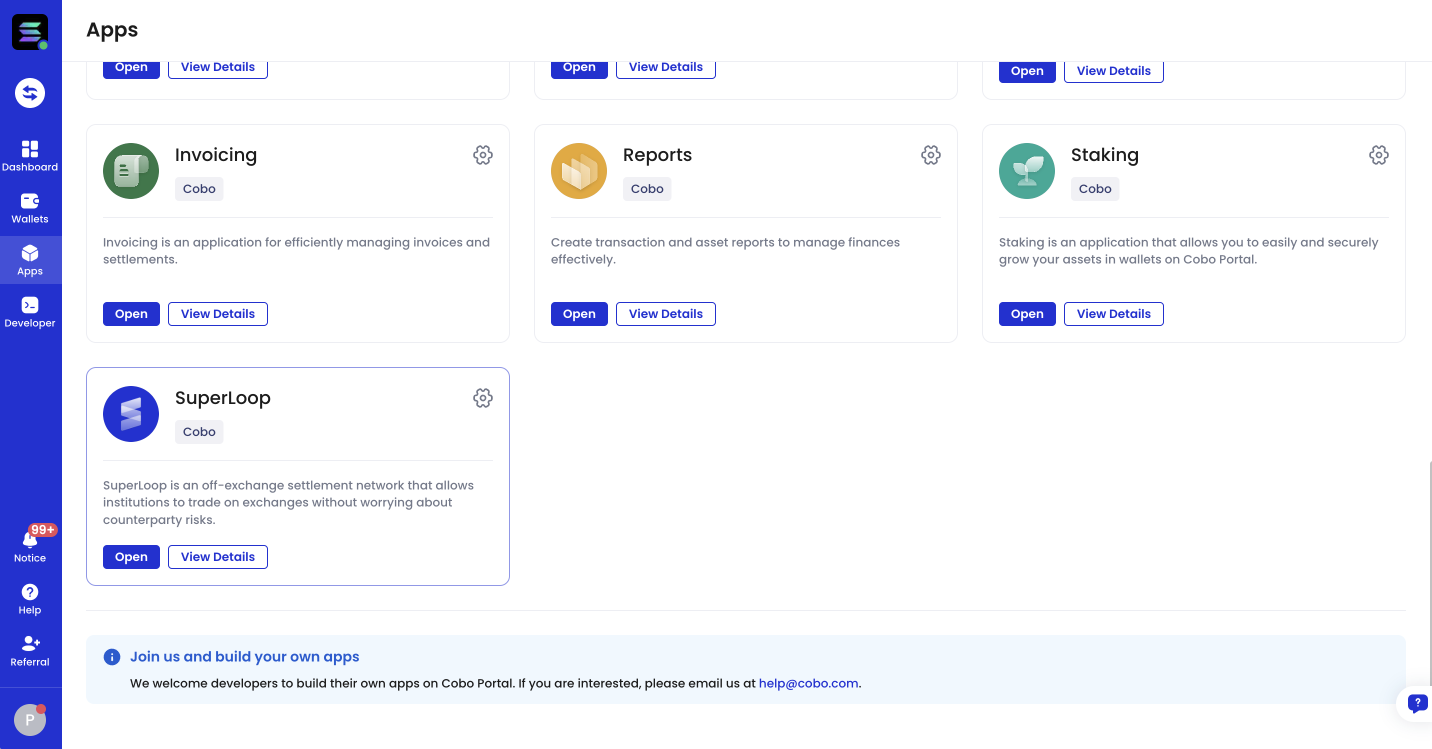
To link exchange accounts, click **Apps** in the left sidebar of [Cobo Portal](https://portal.cobo.com/login), find **SuperLoop**, then click **Open** to open SuperLoop.
When you open SuperLoop for the first time, you will be taken to the exchange account linking page. Click **+ Exchange Account**, select an **Exchange** and an **Exchange Account**, then click **Link**.
The Exchange Account (Exchange Wallets) you are trying to link to must have already been set up. See [Set up Exchange Wallets](/en/portal/exchange-wallets/set-up).
## Link exchange accounts
To link exchange accounts, click **Apps** in the left sidebar of [Cobo Portal](https://portal.cobo.com/login), find **SuperLoop**, then click **Open** to open SuperLoop.
When you open SuperLoop for the first time, you will be taken to the exchange account linking page. Click **+ Exchange Account**, select an **Exchange** and an **Exchange Account**, then click **Link**.
The Exchange Account (Exchange Wallets) you are trying to link to must have already been set up. See [Set up Exchange Wallets](/en/portal/exchange-wallets/set-up).
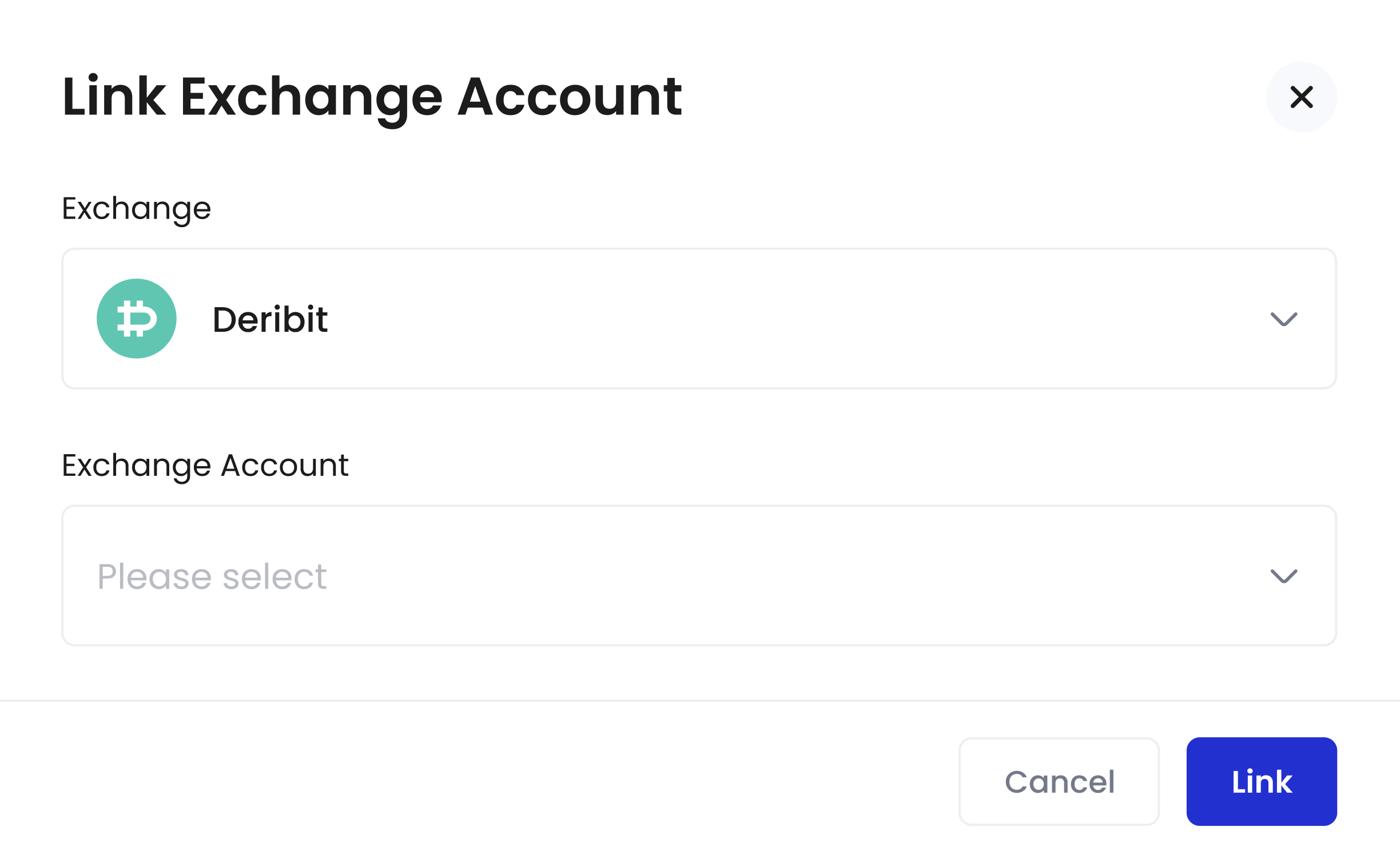 After you've linked at least one [Exchange Wallet](/en/portal/exchange-wallets/introduction) with SuperLoop, you will be taken to the SuperLoop main page that lists all of the linked exchange accounts:
 To link additional exchange accounts, click **+ Exchange Account**, select an **Exchange** and an **Exchange Account**, then click **Link**.