> ## Documentation Index
> Fetch the complete documentation index at: https://manuals.cobo.com/llms.txt
> Use this file to discover all available pages before exploring further.
# Set up Invoicing
> Follow the steps to set up Invoicing, ensuring seamless installation and integration with your Cobo Portal account.
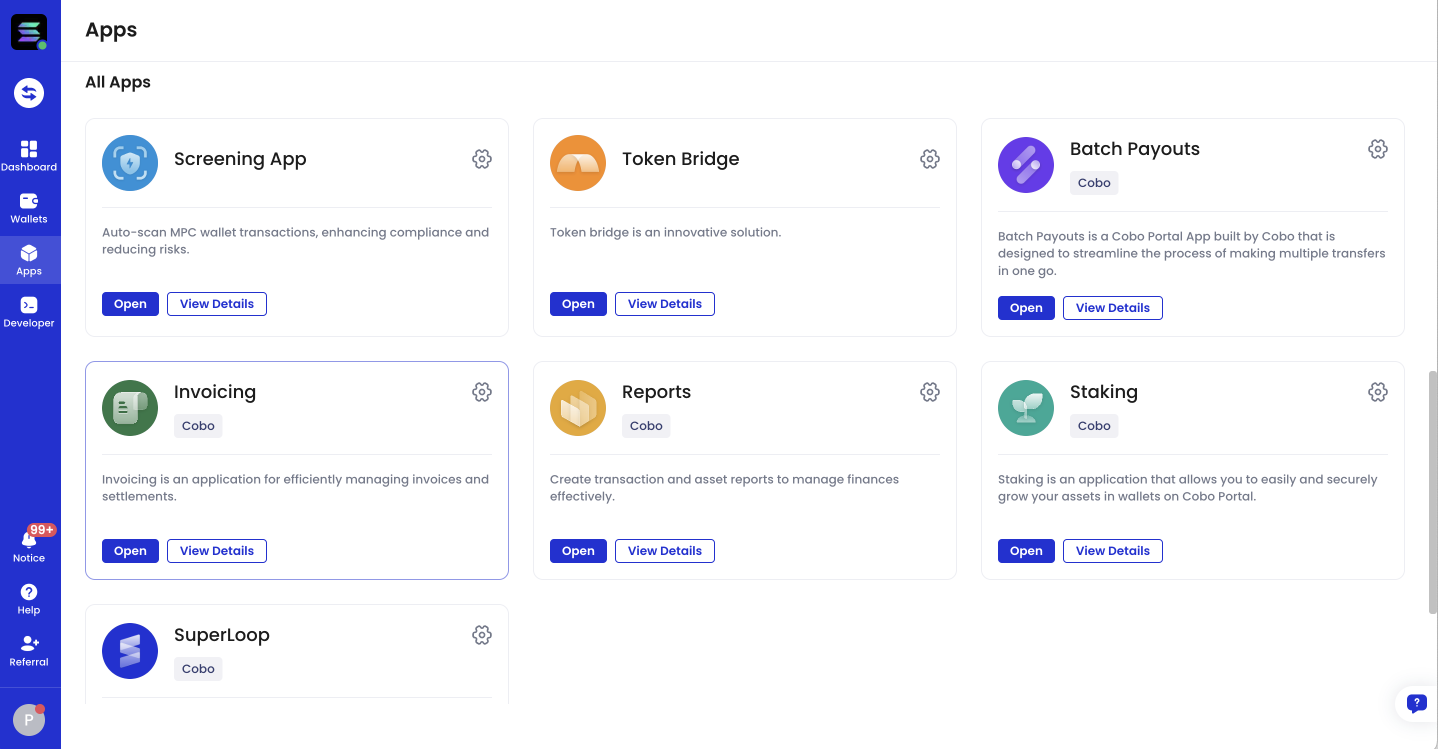
Invoicing is a [Cobo Portal App](/en/apps/introduction) built by Cobo. To install Invoicing, follow the instructions in [Browse and install apps](/en/apps/browse-and-install).
 This Cobo Portal App now supports API integration. If you are interested, please feel free to contact us at [help@cobo.com](mailto:help@cobo.com).