> ## Documentation Index
> Fetch the complete documentation index at: https://manuals.cobo.com/llms.txt
> Use this file to discover all available pages before exploring further.
# Sign up for Cobo Accounts
> It is recommended to register for Cobo Accounts using an email or Google account, to ensure secure access to the all the products on Cobo.
## Use email and password for sign-up
1. Go to [Cobo Accounts](https://accounts.cobo.com/) and click **Sign Up** in the top-right corner.
2. Enter your email address, then click **Continue**.
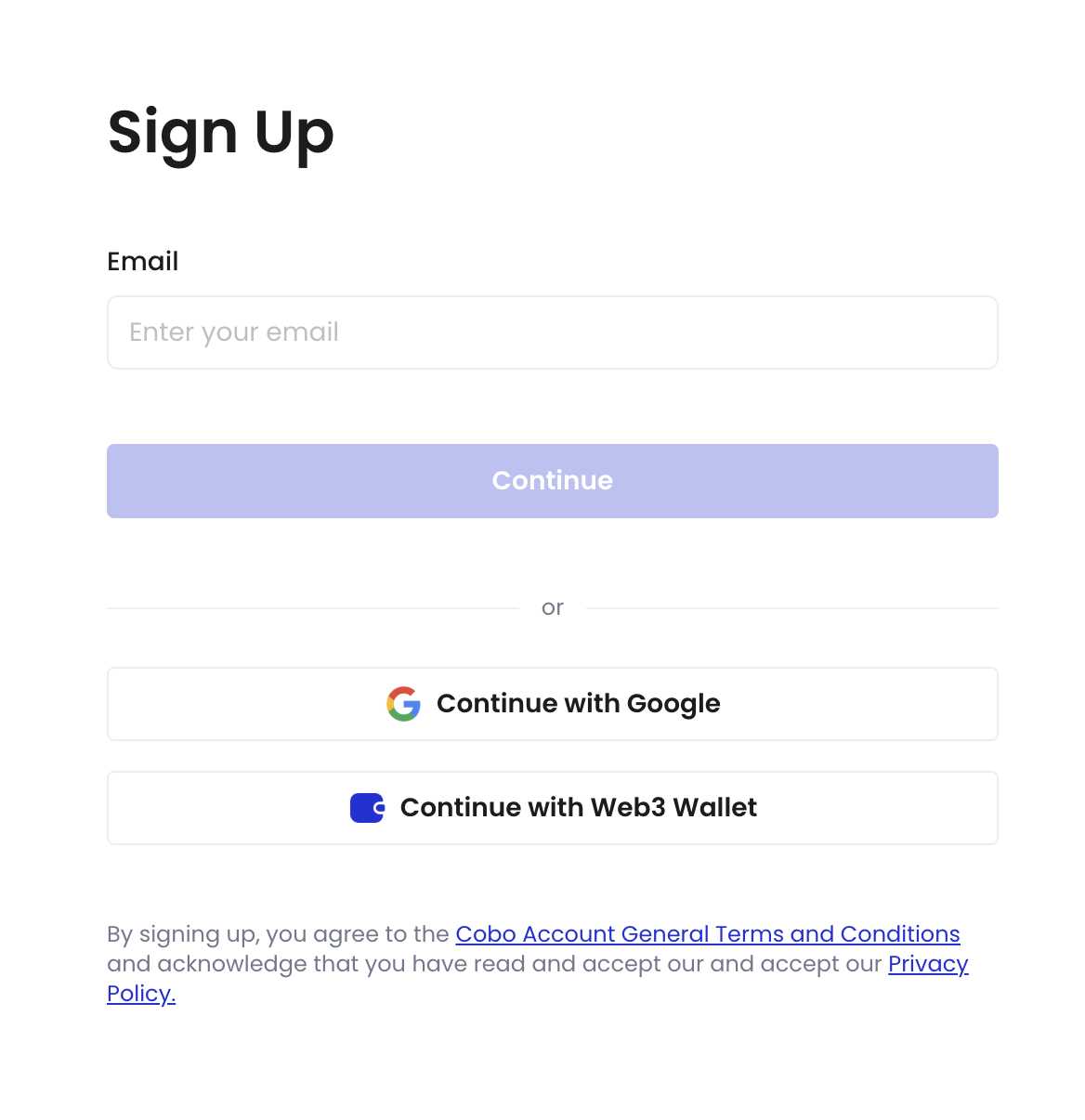 3. Enter the six-digit verification code sent to your registered email, then click **Continue**.
4. Set a password that is at least 8 characters long and includes at least one uppercase letter, one lowercase letter, and one number.
5. Confirm your password, then click **Continue**.
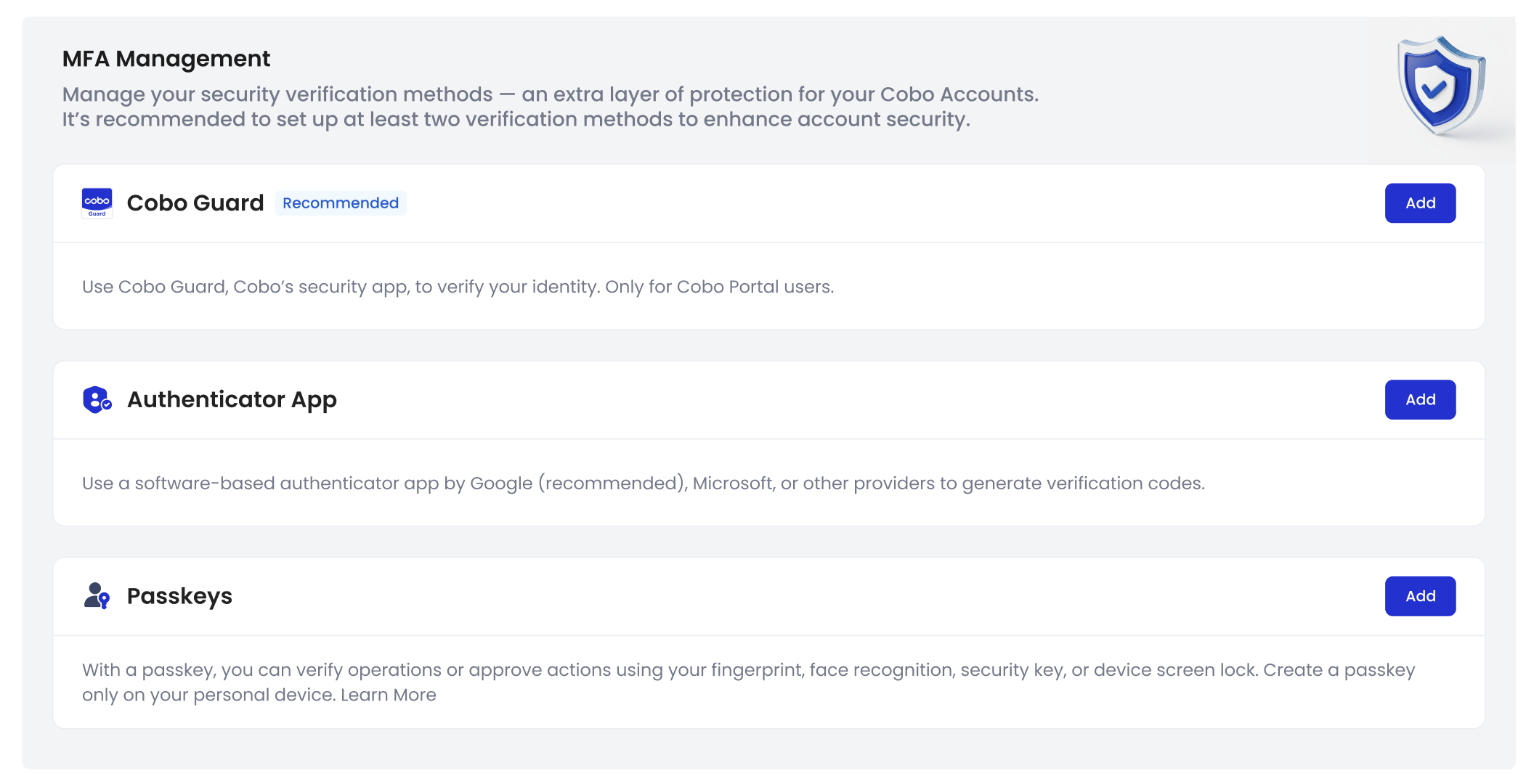
After successfully setting your password, you will be redirected to the Cobo Accounts dashboard. Now you can set up multi-factor authentication (MFA) methods for your account. For more details, see [Set up multi-factor authentication (MFA) methods](/en/accounts/set-up-mfa).
3. Enter the six-digit verification code sent to your registered email, then click **Continue**.
4. Set a password that is at least 8 characters long and includes at least one uppercase letter, one lowercase letter, and one number.
5. Confirm your password, then click **Continue**.
After successfully setting your password, you will be redirected to the Cobo Accounts dashboard. Now you can set up multi-factor authentication (MFA) methods for your account. For more details, see [Set up multi-factor authentication (MFA) methods](/en/accounts/set-up-mfa).
 ## Use Google Account for sign-up
1. Go to [Cobo Accounts](https://accounts.cobo.com/) and click **Sign Up** in the top-right corner.
2. Click **Continue with Google**.
3. Follow the on-screen instructions and sign up using your Google Account.
After successfully signing up, you will be redirected to the Cobo Accounts dashboard. Now you can set up multi-factor authentication (MFA) methods for your account. For more details, see [Set up multi-factor authentication (MFA) methods](/en/accounts/set-up-mfa).
## Use Google Account for sign-up
1. Go to [Cobo Accounts](https://accounts.cobo.com/) and click **Sign Up** in the top-right corner.
2. Click **Continue with Google**.
3. Follow the on-screen instructions and sign up using your Google Account.
After successfully signing up, you will be redirected to the Cobo Accounts dashboard. Now you can set up multi-factor authentication (MFA) methods for your account. For more details, see [Set up multi-factor authentication (MFA) methods](/en/accounts/set-up-mfa).